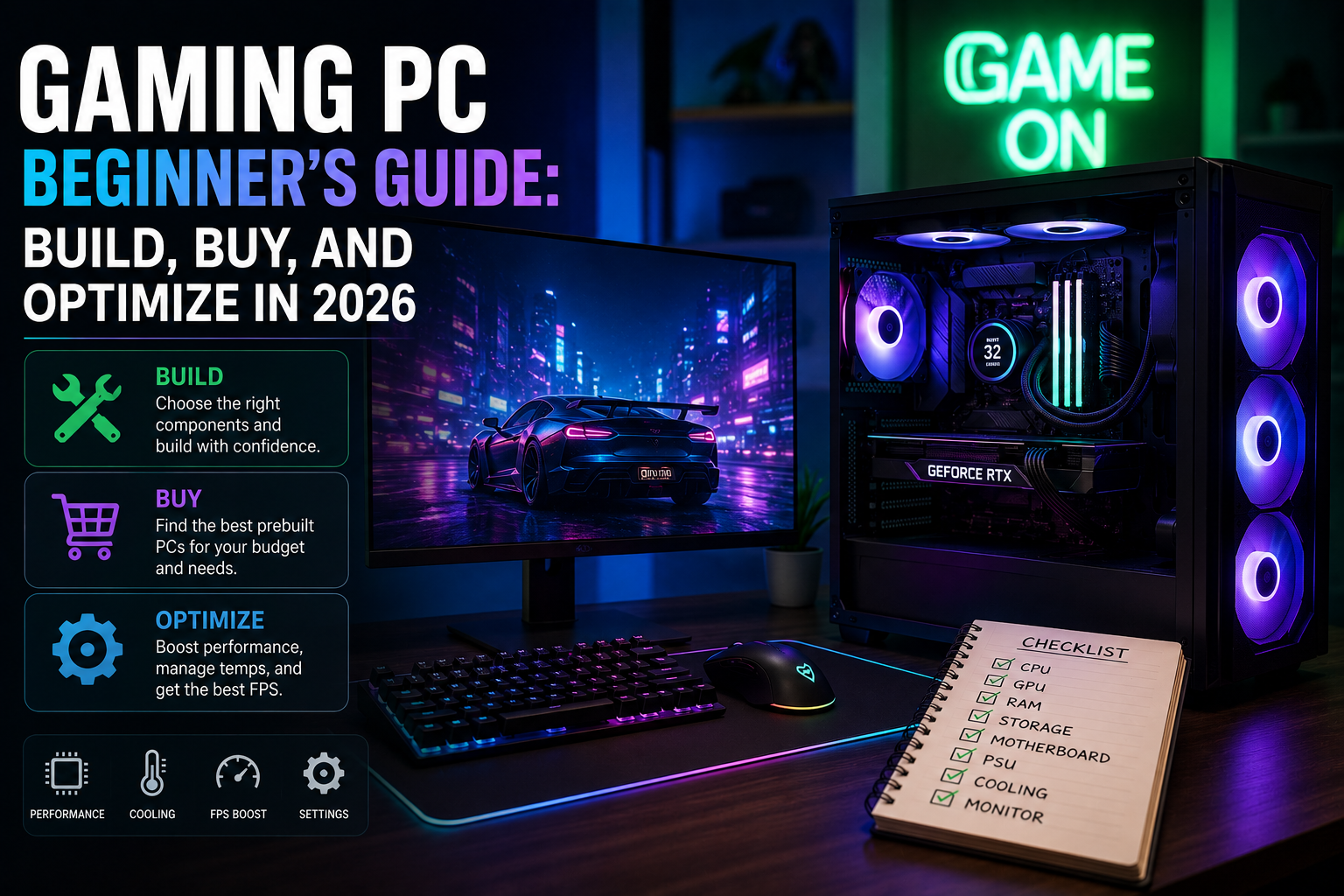
Gaming PC Beginner’s Guide: Build, Buy, and Optimize in 2026
Getting started: is a Gaming PC right for you?
Whether you’re new to PC gaming or switching from consoles in 2026, a Gaming PC offers performance, upgradeability, and customization not matched by other platforms. This guide explains the practical choices beginners face: should you build or buy, which components matter most, and how to optimize your system for smooth gameplay and future upgrades.
What is a Gaming PC in 2026?
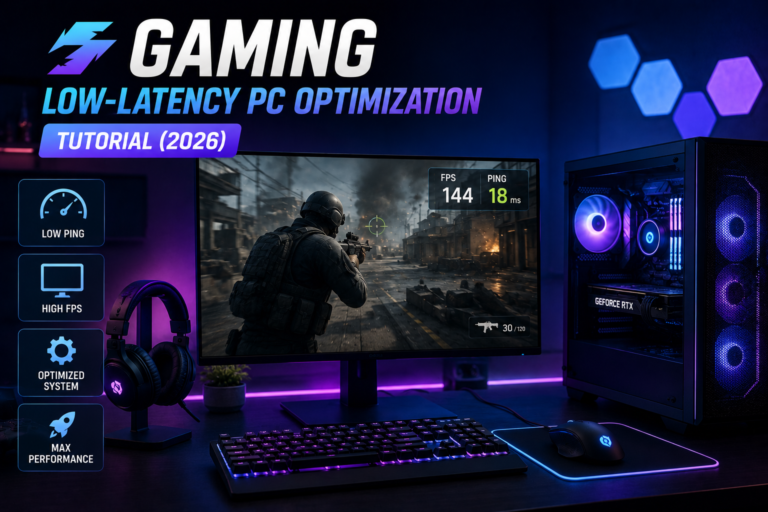
A Gaming PC is a personal computer configured primarily for playing video games. In 2026 that still means a focus on a fast GPU, capable CPU, and sufficient memory and storage — but new considerations include AI-accelerated features, power efficiency, and support for variable-rate shading and hardware-accelerated ray tracing. Understanding these elements helps you pick the right parts or prebuilt system.
Build vs. Buy: Which path should a beginner choose?
Both options are valid. Your decision depends on budget, time, technical confidence, and desire to upgrade.
- Build: Building gives the best value-to-performance ratio and complete control over parts and cooling. It’s educational and future-friendly but requires time and basic troubleshooting skills.
- Buy (Prebuilt): A prebuilt Gaming PC is convenient, often includes warranty support, and is ready out of the box. Manufacturers now offer competitive builds, especially for mid-range systems.
- Hybrid: Start with a prebuilt and upgrade critical parts (GPU, storage, RAM) later to balance convenience and customization.
Key components every Gaming PC buyer should know
- GPU (Graphics Card): The primary determinant of gaming performance. In 2026, prioritize current-generation GPUs with ray tracing and strong rasterization performance for your target resolution and frame rate.
- CPU: Important for CPU-bound games and streaming. Aim for a mid-to-high range CPU with good single-thread and multi-thread performance.
- RAM: 16 GB is still the baseline for gaming; 32 GB is recommended for multitasking, streaming, and future-proofing.
- Storage: NVMe SSDs are recommended for fast load times. Use a larger HDD or secondary SSD for mass storage if needed.
- Motherboard & Power Supply: Choose a motherboard with upgrade headroom and a high-quality PSU with adequate wattage and an 80 Plus rating.
- Cooling & Case: Good airflow extends component life and improves performance. Consider case size and fan/noise balance.
Budget tiers and expectations
Set realistic performance expectations for your budget. Roughly:
- Entry ($600–$900): 1080p gaming at medium-high settings. Good entry point for beginners.
- Mid-range ($900–$1,600): Smooth 1440p gaming and some 4K capability depending on the GPU.
- High-end ($1,600+): Consistent 4K or high-refresh 1440p at ultra settings with advanced features like ray tracing and higher VRAM.
Practical starter checklist for building or buying
- Define target resolution and framerate (1080p/1440p/4K, 60/120/240 Hz).
- Set a firm budget that includes monitor, peripherals, and a quality PSU.
- Choose components for compatibility: CPU socket, RAM speed, GPU clearance, and PSU wattage.
- Consider warranties and return policies for prebuilts and individual parts.
First 30 days: basic setup and optimization
After you have your Gaming PC, follow these steps to ensure reliable performance:
- Install the latest OS updates and chipset drivers.
- Install the most recent GPU drivers from the vendor (NVIDIA or AMD).
- Enable Game Mode and hardware-accelerated GPU scheduling if applicable.
- Set storage to an NVMe drive for your most-played titles and ensure TRIM is enabled.
- Use monitoring tools to check temperatures and voltages under load.
Authoritative sources like Tom’s Hardware and PC Gamer publish regular benchmarks and build guides that can help you select parts and validate performance.
Future-proofing and upgrade paths
Design your build with upgrades in mind: a spacious case, a motherboard with extra M.2 slots, and a PSU with headroom. Prioritize GPU and storage upgrades first; CPU and motherboard swaps are costlier. Upgrading incrementally stretches your investment and keeps the Gaming PC relevant.
Common beginner mistakes to avoid
- Underpowering the system with a cheap PSU—use a reputable unit with sufficient wattage.
- Buying a top-tier GPU but pairing it with a weak CPU (bottlenecking).
- Ignoring cooling and case airflow—thermal throttling reduces performance.
- Overpaying for features you won’t use (excess RGB, niche peripherals).
FAQ
Do I need to build a Gaming PC to get good performance?
No. Prebuilt systems can offer very competitive performance and convenience. Building typically gives better value and customization, but non-technical users may prefer reputable prebuilts.
How much should I spend on a beginner Gaming PC in 2026?
For a balanced experience, plan on $800–$1,200 for a capable 1080p–1440p Gaming PC. Prices vary with GPU market conditions and regional availability.
Is upgrading my Gaming PC hard?
Basic upgrades like adding RAM or swapping storage are straightforward. GPU and CPU upgrades are more complex but well-documented—many community guides and official manufacturer instructions exist to help.
Where can I find reliable benchmarks and part reviews?
Trusted outlets such as Tom’s Hardware and PC Gamer provide detailed benchmarks and buyer guides.
Conclusion
A Gaming PC in 2026 remains one of the best ways to experience high-performance gaming, with flexibility to upgrade and optimize over time. Begin by defining your goals and budget, then choose build or buy accordingly. Focus on a strong GPU/CPU balance, adequate cooling, and quality power delivery. With a clear plan and modest research, even beginners can assemble or select a Gaming PC that delivers great gameplay today and sensible upgrade paths for tomorrow.