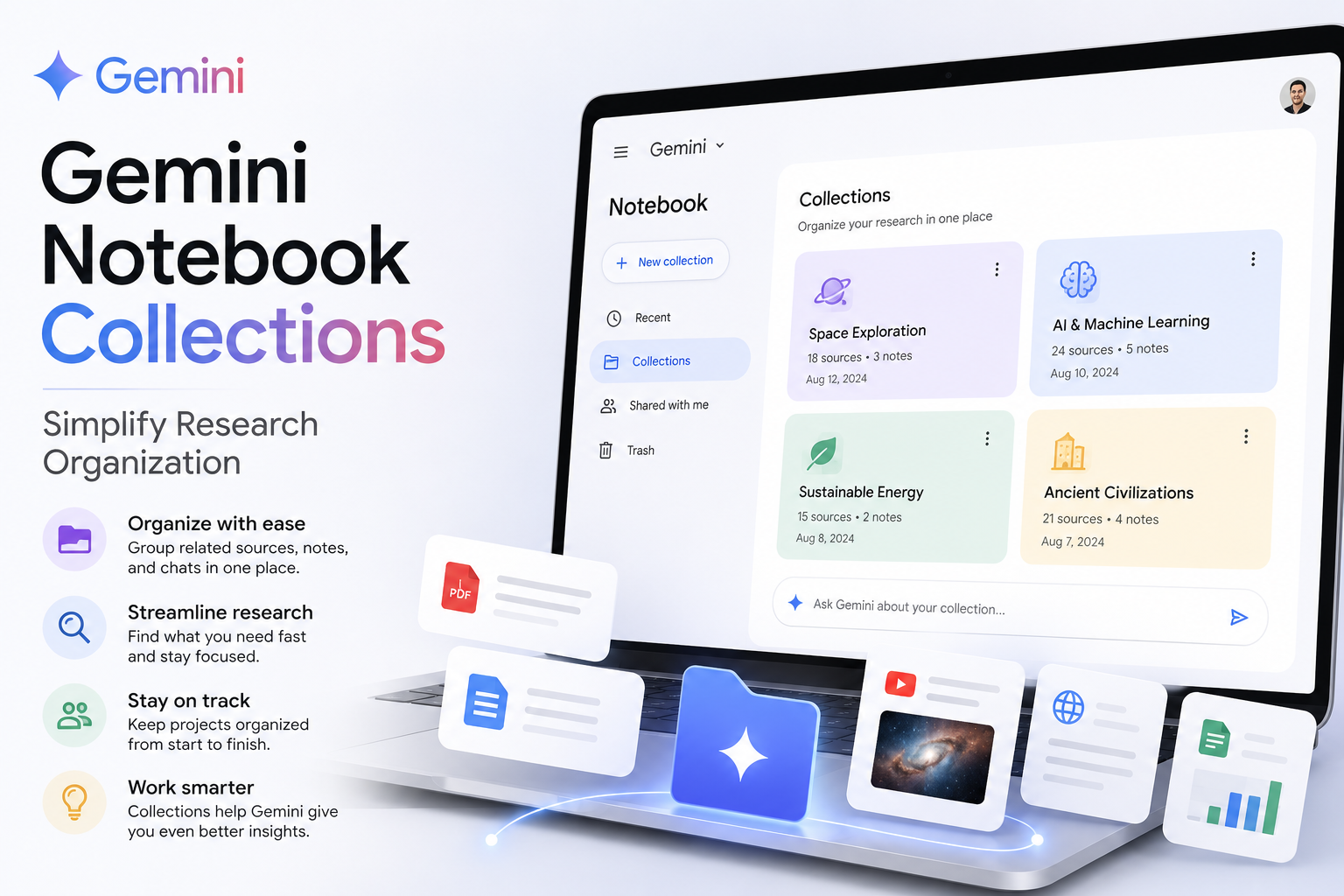
Gemini Notebook Collections Simplify Research Organization
Gemini Notebook Collections
Google has barely finished renaming NotebookLM, and Gemini Notebook Collections arrive to help users organize notebooks without forcing a rigid system. The new Collections feature groups related notebooks while keeping everything visible in the My Notebooks dashboard, so your research library gains structure without a complete reshuffle.
How Collections differ from folders
Collections act more like labels or playlists than traditional folders. A single notebook can belong to multiple Collections simultaneously, so the same project can sit in a work collection and a broader topic collection without creating duplicates or choosing one permanent home.
This approach removes the binary choice of folders—put it here or there—and lets notebooks live in several contexts. Anything you don’t want to group can remain untagged and visible under My Notebooks, keeping the dashboard intact rather than buried under a new hierarchy.
Why organization is becoming more important
Notebooks are no longer isolated to a single product. With deeper Gemini integration and links into Google Search, notebooks can surface across the Google AI workspace, making a tidy research library more necessary than ever.
Changes made in Gemini’s app sync back to the standalone Gemini Notebook service, so projects follow you between chat-based workflows and notebook editing. As notebooks accumulate and appear in more places, a crowded My Notebooks dashboard quickly becomes a productivity drain—Collections add a lightweight layer to ease navigation without demanding heavy maintenance.
What Collections still don’t offer
Collections are intentionally simple and focused, but they’re not a full file-management system. Google hasn’t introduced nested Collections, automatic sorting, or advanced hierarchy tools. You can group notebooks, but you can’t delegate cleanup to automatic rules or create deep folder trees.
For users who want strong folder-like control—strict parent/child structures, automated organization, or granular permissions—Collections will feel basic. Their role is narrower: reduce dashboard clutter, prevent duplicating projects, and let notebooks appear in multiple relevant groups while preserving the central My Notebooks view.
- Best for: people who prefer flexible labels over rigid folders.
- Not for: those expecting full folder hierarchies or automated notebook organization.
- Works with: the Gemini experience and Google NotebookLM’s broader research tools.