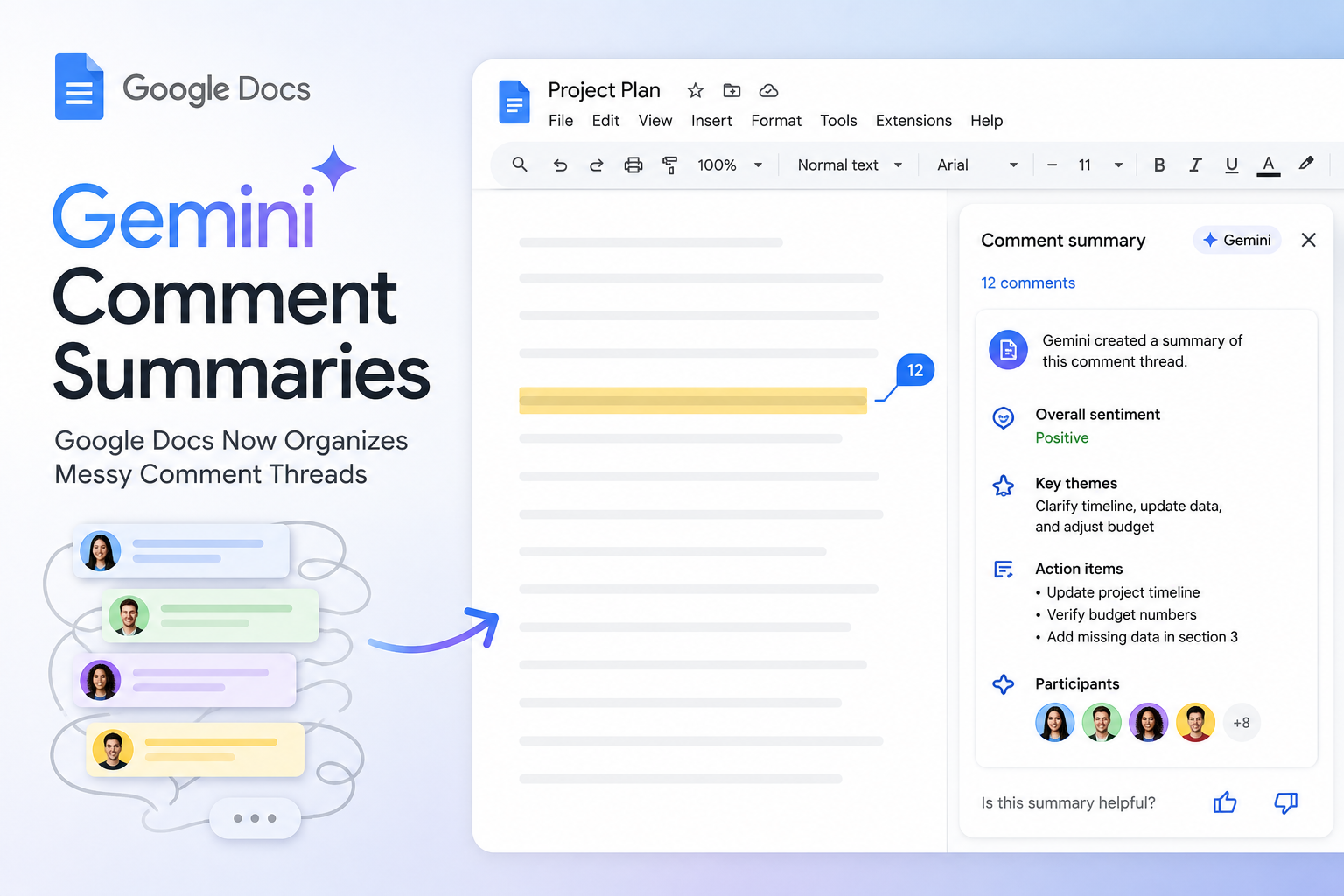
Gemini Summarizes Messy Google Docs Comment Threads
Gemini comment summaries aim to rescue shared Google Docs from feedback overload by collecting scattered notes and pointing out which threads still need attention. When a file fills with reviewers, locating unresolved comments can take longer than making the edits — Gemini shortens that hunt and helps teams move forward.
Gemini comment summaries
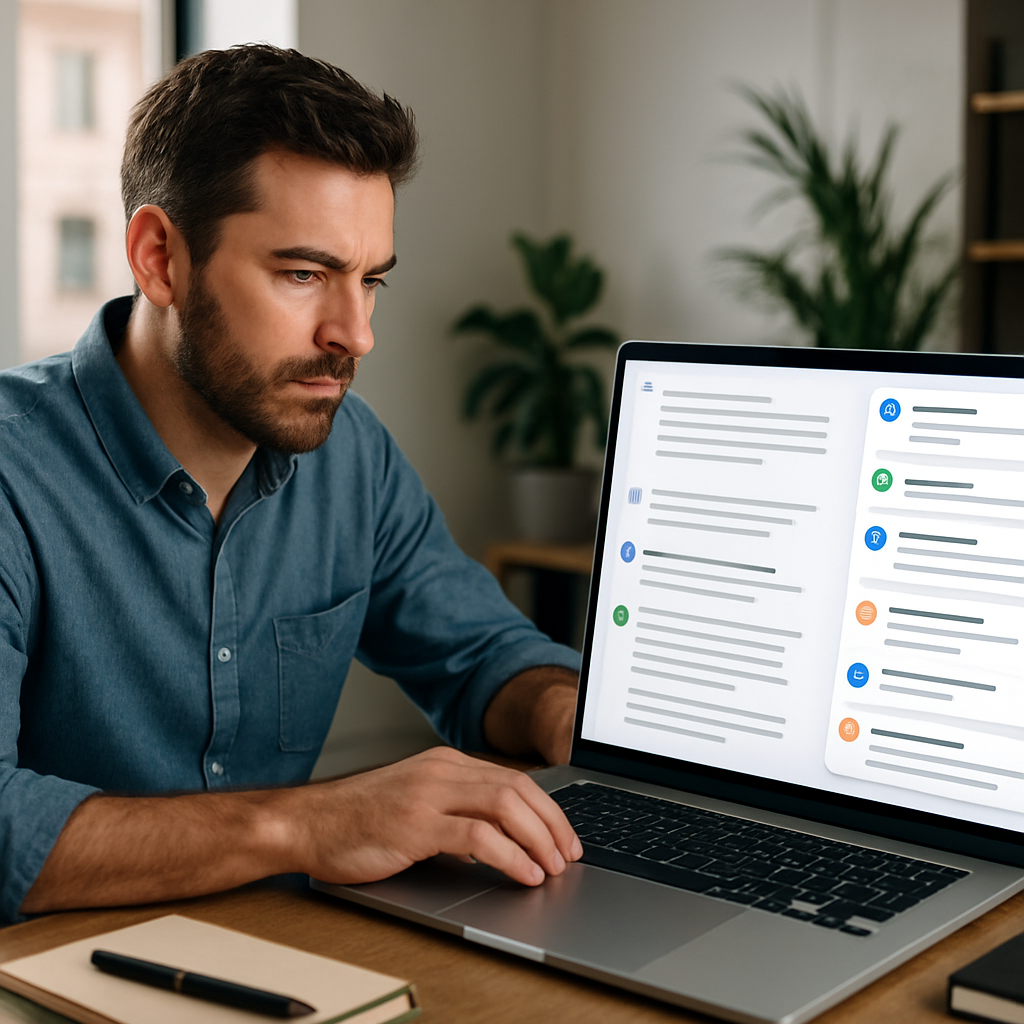
Users can ask Gemini to focus on a single reviewer or to group Google Docs comments around recurring themes, making it easier to summarize comment threads across a document. The AI surfaces unresolved comments and related discussions that might be buried in different sections, so editors don’t have to reopen every thread to reconstruct what was already said.
How Gemini finds unfinished business
Rather than issuing a final ruling, the tool produces an editorial-style briefing that maps the conversation and shows where opinions diverge. That gives the person doing the editing a clear starting point without overruling reviewers or assigning the final say.
What happens after the summary
After flagging unresolved comments, Gemini can draft replies directly inside comment threads or propose specific edits based on the feedback. If a reply needs backup, the AI can locate a relevant Drive file and include drive file linking so supporting material is easy to add.
The assistant can also leave its own suggestions on clarity and narrative flow, stepping into light copy-editing territory. It won’t apply changes by itself — users must review and approve every suggested update, preserving human control over revisions.
Who can use it
The rollout began on July 28 and may take up to 15 days to appear in eligible accounts. Access requires an eligible paid Workspace, Education, or Google AI plan, with Gemini for Workspace and Google AI features enabled.
- Gemini needs edit access to work with a document’s comments; viewers and commenters won’t get the AI shortcut through the discussion.
- Admins should check settings if the feature hasn’t appeared, and allow the rollout window to complete.
- The tool supports better comment management and collaboration tools by helping teams summarize threads and produce AI draft replies where useful.