Microsoft Edge Is Dropping Older Ad Blockers: Here’s What It Means for Users
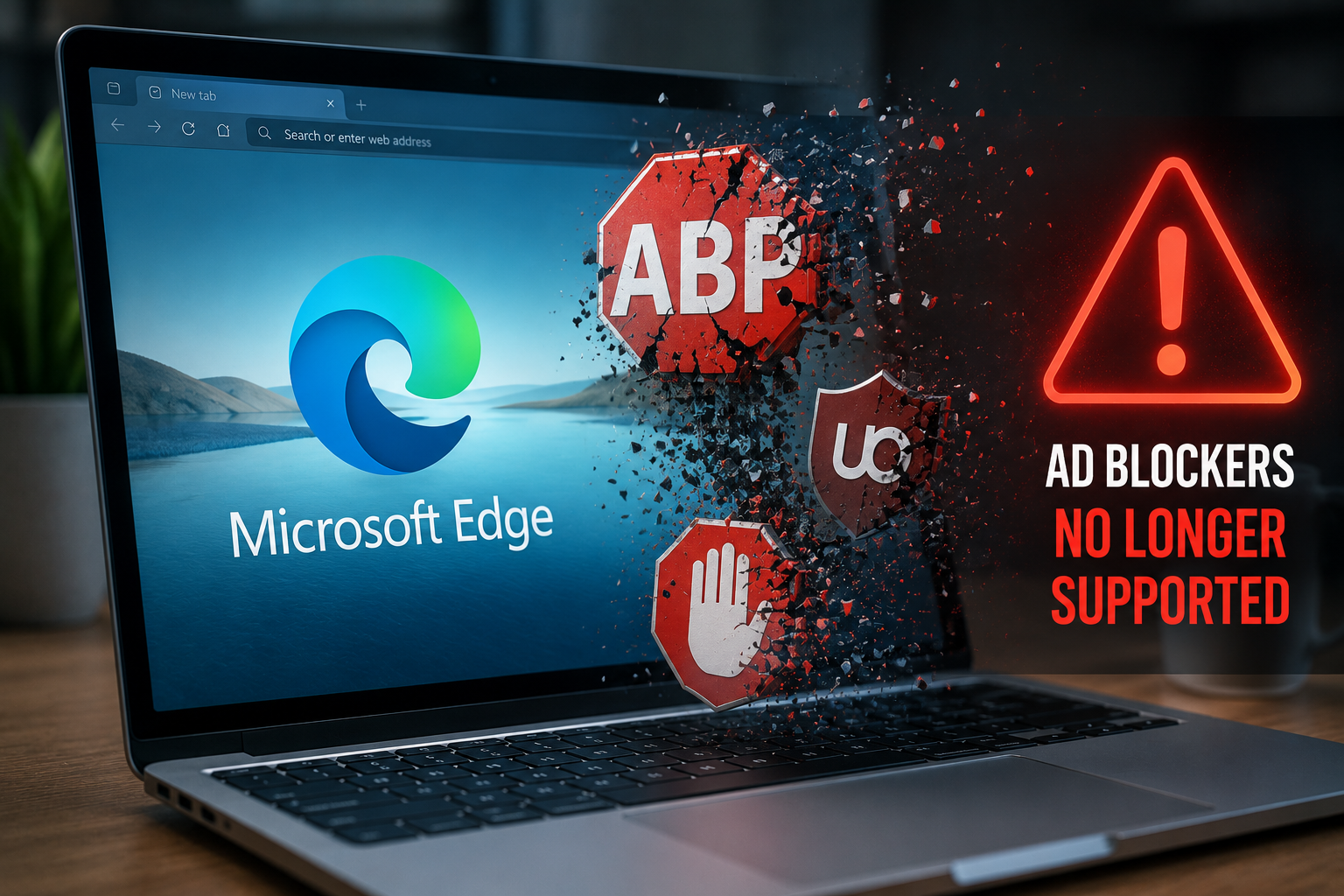
Microsoft is preparing a major change that will affect how Microsoft Edge ad blockers work. As the browser adopts Google’s Manifest V3 extension framework, older extensions built on Manifest V2 will gradually stop functioning. While the transition promises better security and improved browser performance, it also means some of the most popular ad-blocking tools must evolve to remain compatible.
For most users, the change won’t happen overnight. Microsoft plans to introduce the update gradually across Canary, Dev, Beta, and eventually the Stable version of Edge. Still, it’s a good time to understand what this shift means and whether you’ll need to replace your current ad blocker.
Why Microsoft Edge Ad Blockers Are Changing
Microsoft Edge is based on Chromium, the same open-source project that powers Google Chrome. Because of that shared foundation, Edge is also moving to Manifest V3, Google’s latest browser extension platform.
Manifest V3 replaces the older Manifest V2 system that developers have used for years. Microsoft says the update improves browser security, privacy, and performance by giving extensions more controlled access to web traffic.
While those benefits are important, the change also affects how ad-blocking extensions filter network requests. Developers can no longer rely on some of the powerful capabilities available in Manifest V2.
What Is Manifest V3?
Manifest V3 is a new extension standard designed to make browser extensions safer and more efficient.
One of its biggest changes is replacing the WebRequest API with the Declarative Net Request (DNR) API for many blocking tasks. Instead of allowing extensions to inspect and modify every network request in real time, the browser now applies predefined filtering rules.
This approach reduces the amount of code running continuously in the background, helping improve browser performance while lowering potential security risks.
However, the trade-off is reduced flexibility for complex content-blocking extensions.
Which Microsoft Edge Ad Blockers Will Be Affected?
Some older extensions will stop working once Microsoft fully removes Manifest V2 support.
One of the best-known examples is the original uBlock Origin, which depends on APIs no longer available under Manifest V3.
Fortunately, users still have several alternatives.
Popular Manifest V3-compatible options include:
- uBlock Origin Lite
- AdGuard
- Ghostery
These extensions already support the new framework and continue to offer ad and tracker blocking, although some advanced filtering features may differ from their Manifest V2 counterparts.
Will the Change Affect Everyday Users?
For many people, the impact may be smaller than expected.
Microsoft says only a relatively small number of Manifest V2 extensions remain active. Most developers have already released updated versions that support Manifest V3.
If you’re already using a modern extension that receives regular updates, you may not notice much difference after the transition.
However, users who rely on older or highly customized ad blockers should verify whether their preferred extension has a Manifest V3 version available.
Why Some Users Oppose Manifest V3
The move to Manifest V3 has generated debate across the browser community.
Supporters argue that the new framework improves browser security by limiting what extensions can do behind the scenes. It also reduces memory usage and improves overall browser efficiency.
Critics, however, believe the restrictions reduce the effectiveness of sophisticated ad blockers. Some advanced filtering techniques available through the older WebRequest API cannot be replicated exactly using the new Declarative Net Request API.
As a result, certain extensions may block fewer ads or offer fewer customization options than before.
Microsoft’s Rollout Plan
Microsoft is introducing the changes gradually instead of enabling them all at once.
The rollout will begin with:
- Edge Canary
- Edge Dev
- Edge Beta
After testing and feedback, the company plans to extend Manifest V3 support to the Stable version of Microsoft Edge.
This staged rollout gives extension developers additional time to update their software before older extensions stop working completely.
Should You Switch to a New Ad Blocker?
If your current extension already supports Manifest V3, you probably don’t need to do anything.
However, if you still use an older Manifest V2 extension, it’s worth checking whether an updated version is available.
When choosing a replacement, consider:
| Feature | Why It Matters |
|---|---|
| Manifest V3 Support | Ensures future compatibility with Microsoft Edge |
| Regular Updates | Improves security and long-term support |
| Privacy Protection | Blocks trackers in addition to advertisements |
| Custom Filtering | Allows users to create personalized blocking rules |
| Performance | Uses fewer browser resources |
Choosing an actively maintained extension will help ensure a smoother experience as Microsoft completes the transition.
Final Thoughts
The shift to Manifest V3 marks one of the biggest changes for Microsoft Edge ad blockers in recent years. While some older extensions will disappear, most users will still have access to capable alternatives that support the new standard.
Although the transition has sparked debate among privacy advocates and extension developers, Microsoft’s goal is to improve browser security and efficiency without disrupting everyday browsing.
If you regularly use ad blockers in Microsoft Edge, now is the right time to check whether your extension supports Manifest V3. Doing so will help you avoid compatibility issues as Microsoft completes the rollout.
Frequently Asked Questions
Why is Microsoft Edge dropping older ad blockers?
Microsoft Edge is adopting Manifest V3, the latest Chromium extension platform. Older Manifest V2 extensions will eventually stop working because they rely on APIs that are being retired.
Will uBlock Origin still work in Microsoft Edge?
The original version of uBlock Origin will not fully support Manifest V3. Users can switch to uBlock Origin Lite, which has been designed for the new extension framework.
What are the best alternatives to older Microsoft Edge ad blockers?
Several popular options already support Manifest V3, including uBlock Origin Lite, AdGuard, and Ghostery.
Does Manifest V3 improve browser security?
Yes. Manifest V3 limits extension access to browser data and reduces background processing, helping improve security, privacy, and performance.
Do I need to replace my current ad blocker?
Not necessarily. If your extension has already been updated for Manifest V3, it should continue working normally. Check your extension’s latest version to confirm compatibility.