Upgrading from M1 to M5 MacBook Air: What Changed
Upgrading to the M5 MacBook Air: A Game-Changer for Productivity
The M1 to M5 MacBook Air upgrade has been a significant leap for me, and I’m not just talking about the specs. In fact, the real difference lies in how it’s changed my daily workflow. For instance, I can now comfortably run 50 to 60 Chrome tabs without any lag or stuttering, thanks to the M5’s roughly twice-as-fast CPU and 16GB of unified memory. Furthermore, the additional four hours of screen-on time I get with the M5 Air have completely rewritten my habits.
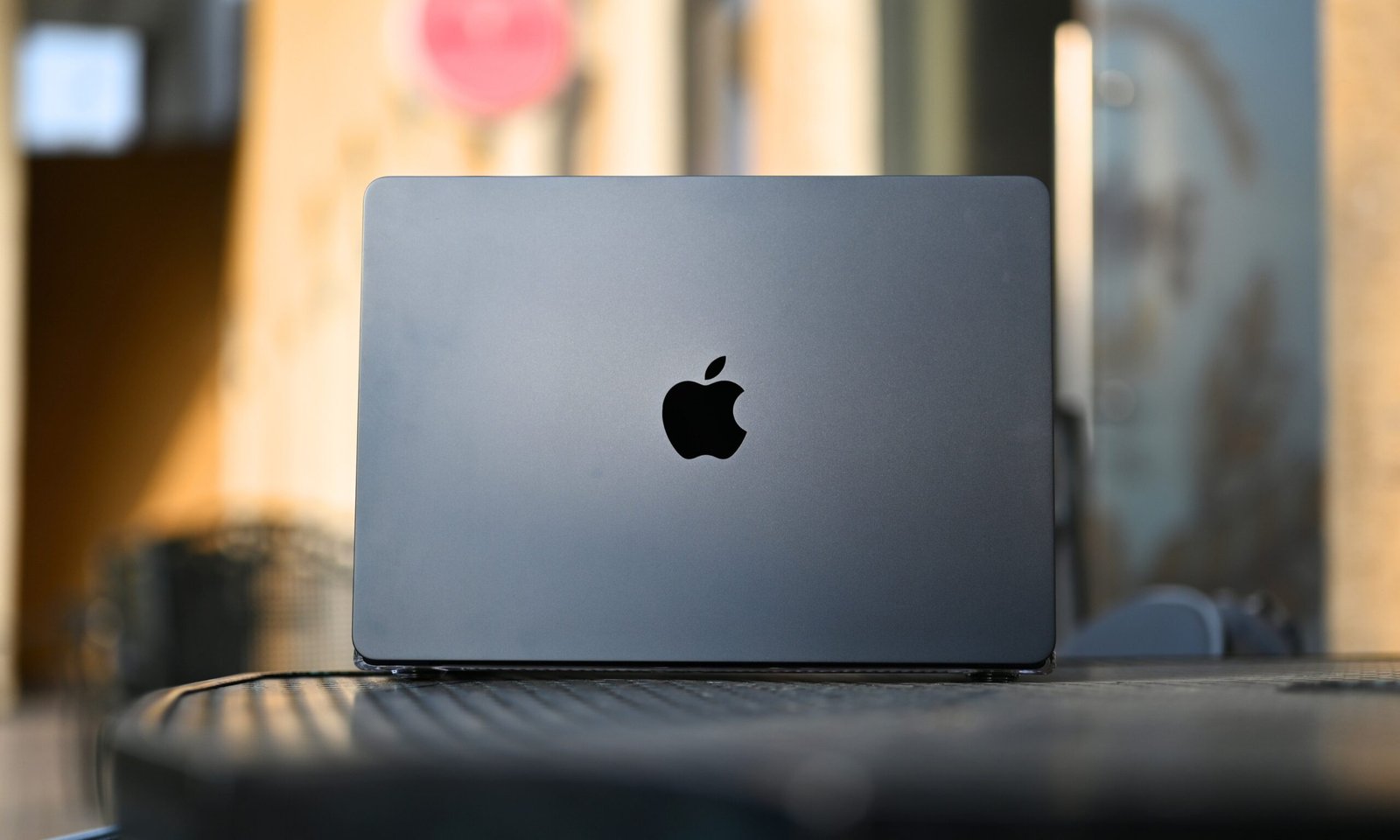
However, what really surprised me was how much of a difference the little things made. For example, the Midnight colorway on the M5 Air is not just aesthetically pleasing, but it also shifts between charcoal and near-silver depending on the light, making it a unique feature. Additionally, the MagSafe feature has been a game-changer, allowing me to snap my charger into place without fumbling for a USB-C port in the dark. Consequently, this has freed up both USB-C ports for actual work, making my workflow more efficient.
Moreover, the M5 MacBook Air supports two external monitors simultaneously, which is a significant change from the M1. Although I don’t use external displays, this feature is a big deal for designers and video editors who run a multi-monitor setup. Meanwhile, the Thunderbolt 4 on the M5 doubles the minimum PCIe bandwidth to 32 Gb/s, making multi-gigabyte project transfers much faster. Specifically, this means that transfers that used to take a coffee-break situation now take a fraction of the time.
A Significant Leap in Performance
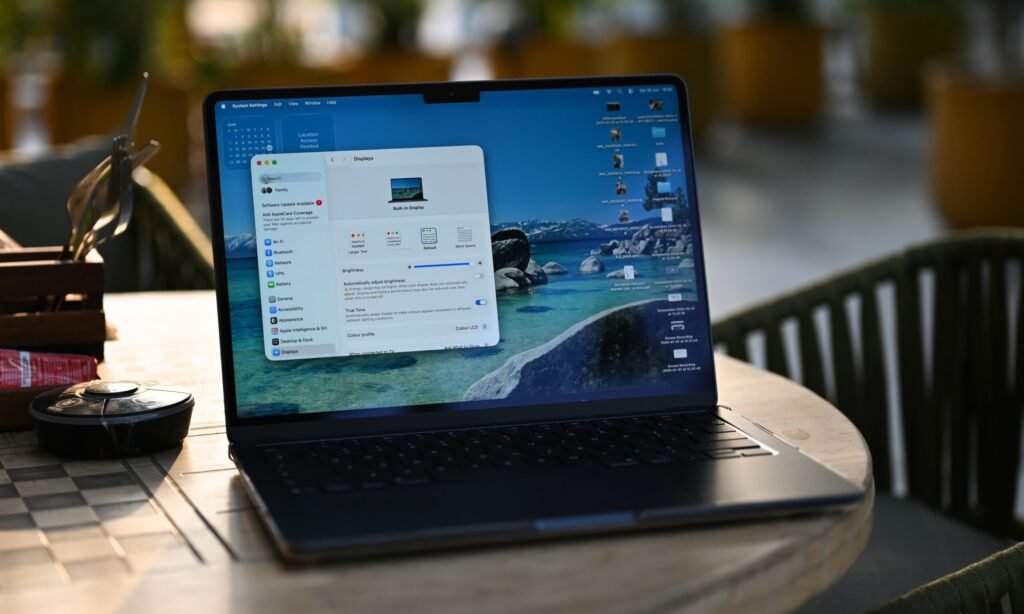
The M5 chip’s performance has been a notable upgrade from the M1. In fact, it handles my daily workload with ease, allowing me to run multiple Chrome tabs and Apple apps in the background without any issues. For example, during the recent Amazon Prime Day sale, I had 78 tabs open simultaneously while hunting down deals across multiple retailer pages, and the M5 Air didn’t break a sweat. Instead, it delivered a seamless experience, making it an excellent choice for everyday tasks.
Moreover, the M5 Air’s battery life has been impressive, delivering around 13 to 14 hours of screen-on time on a single charge with average usage. This has completely changed my habits, as I now charge my MacBook every alternate day and confidently leave the charger at home when I’m on the go. Ultimately, the M5 MacBook Air has been a gem, and even at the new price of $1,299, it’s still arguably one of the best portable, productivity-based laptops you can get on the market.
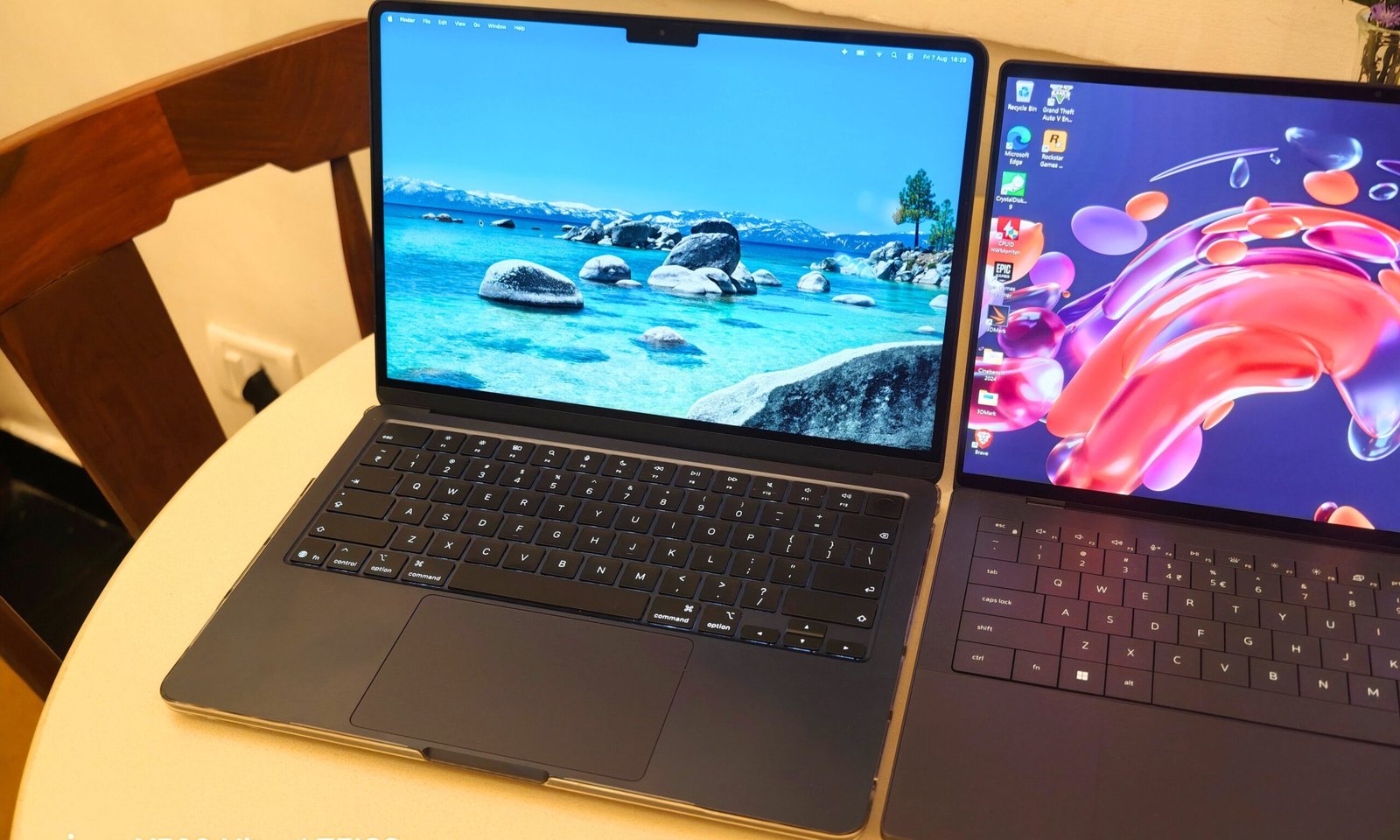
In addition, the Continuity features make it an even better buy for Apple users. For instance, the ability to start something on one device and pick it up where you left off on another is incredibly useful. Meanwhile, the M5 Air’s reliability and performance make it an excellent choice for those who need a fast and efficient machine for everyday tasks. Consequently, if you’re on an M1 or an M2, the jump to the M5 is definitely worth making. However, if you’re on an M4 or an M3, the math might not work in your favor just yet.
Frequently Asked Questions
What are the key differences between the M1 and M5 MacBook Air?
Upgrading to the M5 MacBook Air: A Game-Changer for Productivity The M1 to M5 MacBook Air upgrade has been a significant leap for me, and I’m not just talking about the specs. In fact, the real difference lies in how it’s changed my daily workflow.
Is it worth upgrading from the M1 to the M5 MacBook Air?
However, what really surprised me was how much of a difference the little things made. For example, the Midnight colorway on the M5 Air is not just aesthetically pleasing, but it also shifts between charcoal and near-silver depending on the light, making it a unique feature.
What are the benefits of the M5 chip in the MacBook Air?
Moreover, the M5 MacBook Air supports two external monitors simultaneously, which is a significant change from the M1. Although I don’t use external displays, this feature is a big deal for designers and video editors who run a multi-monitor setup.
What is M1 to M5 MacBook Air upgrade?
A Significant Leap in Performance The M5 chip’s performance has been a notable upgrade from the M1. In fact, it handles my daily workload with ease, allowing me to run multiple Chrome tabs and Apple apps in the background without any issues.
How does M1 to M5 MacBook Air upgrade work?
Moreover, the M5 Air’s battery life has been impressive, delivering around 13 to 14 hours of screen-on time on a single charge with average usage. This has completely changed my habits, as I now charge my MacBook every alternate day and confidently leave the charger at home when I’m on the go.