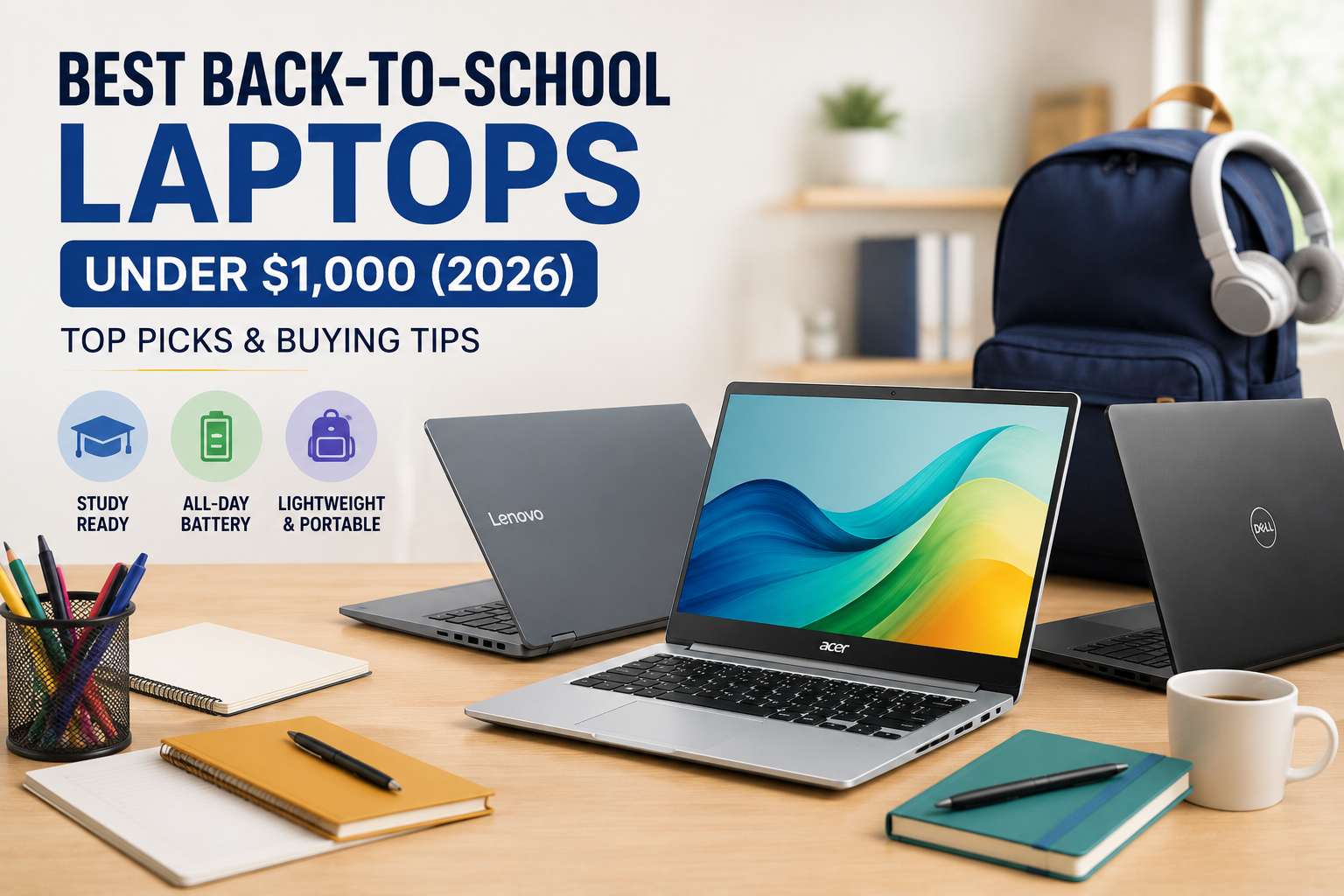
Best Back-to-School Laptops Under $1,000 (2026): Top Picks and Buying Tip
Why buying a laptop under $1,000 in 2026 is complicated — and still worth it
Shopping for a back-to-school laptop in 2026 means balancing tightened component supply with genuinely improved designs. A global memory shortage has driven up RAM and SSD prices, which in turn pushed up costs for discrete GPUs and some higher-end configurations. That has made the under-$1,000 bracket more competitive but also more volatile: model prices can change quickly, and some units that briefly fall into this range may soon creep above it.
Despite that, the current crop of budget laptops is strong: aluminum chassis, OLED screens, and capable chips are available if you prioritize the right features. Below are practical picks across categories — ultraportables, 2-in-1s, Chromebooks and the closest thing to a budget gaming machine — along with what to consider before you buy.
How to pick the right budget laptop
- Prioritize RAM: For longevity, 8GB is the absolute minimum; 16GB is preferable if you multitask or plan to keep the machine several years.
- Storage strategy: 256GB is workable if you rely on cloud storage; 512GB is a safer baseline for most students.
- Screen type: OLED will deliver richer colors for media and creative work, while LCD is often cheaper and still perfectly fine for general use.
- Discrete GPU: Expect to pay more; discrete graphics for heavy engineering or data tasks are rare under $1,000 in 2026.
- Portability: Weight and battery life matter for campus days — very lightweight models can be under 2.5 pounds.
- Deals and student discounts: Many manufacturers offer student pricing; follow deal accounts and retailer sales for the best window.
Top budget picks
MacBook Neo — Best all-rounder for students
The MacBook Neo is a frequent recommendation for back-to-school shoppers because it combines a premium-feeling aluminum chassis with an excellent display and audio for the price. Base pricing starts around $700, and eligible students can often claim a $600 price. The entry model includes 8GB of unified memory and 256GB of storage; a higher-tier $800 configuration doubles storage to 512GB and adds Touch ID.
If your workflow centers on writing, research, video streaming and occasional light editing, the Neo delivers a solid experience and should be treated as a top candidate if you prefer macOS.
Dell XPS 13 — A strong PC rival with a crisp touchscreen
Dell’s XPS 13 aims to rival the MacBook Neo by emphasizing display quality and build. Pricing also begins near $700 ($600 with a student discount). The base configuration offers 8GB of RAM and 512GB of storage — more local storage than the Neo’s entry model — and ships with Intel’s newer Core Series 3 chips, starting with a Core 5-320 CPU.
The XPS 13 includes a 13.4-inch touchscreen with a variable refresh rate (30–120Hz). For users wanting more memory, Dell offers configurations up to 16GB for roughly $900 (or about $800 with student pricing).
Asus Zenbook A14 — Ultra-light with a tactile finish
If extreme portability matters, the Asus Zenbook A14 is notable for its 2.4-pound weight and textured “ceraluminum” surface that gives the chassis a ceramic-like feel. This configuration uses a last-generation Snapdragon X Plus chip, includes 16GB of RAM and 512GB of storage, and offers an OLED display.
ARM-based laptops have improved software compatibility, but performance may not match the latest x86 designs. Still, the Zenbook is a compelling choice when minimal weight is a priority.
Lenovo Yoga 7a 2-in-1 — Best convertible with an OLED touchscreen
For students who want a laptop that can double as a tablet, the Lenovo Yoga 7a offers a versatile 2-in-1 design. The reviewed configuration includes 16GB of RAM, 512GB of storage and an AMD Ryzen AI 5 430 chip. Its OLED touchscreen runs at 1,920 x 1,200 and the keyboard is pleasant to type on. I/O includes an HDMI port and a microSD slot — handy extras for media and peripherals.
Lenovo Chromebook Plus 14 — Best Chromebook for general use
If your needs are primarily web-based, the Lenovo Chromebook Plus 14 is one of the strongest ChromeOS options. It pairs a MediaTek Kompanio Ultra processor with 16GB of RAM and 256GB of storage, and it features an OLED display and solid battery life for coursework and media consumption. Keep in mind ChromeOS limits some desktop-class software.
Acer Chromebook Plus Spin 514 — Best 2-in-1 Chromebook
For a convertible Chromebook, the Acer Chromebook Plus Spin 514 provides a durable chassis for tablet use, the same MediaTek Kompanio Ultra platform, and 12GB of RAM in a lower price tier than Lenovo’s model. It uses an LCD rather than OLED, but its flexible hinge and build quality make it a practical choice for students who want tablet functionality.
Microsoft Surface Laptop (13-inch) — Sleek design, pared-down memory
Microsoft trimmed Surface lineup pricing ahead of the school season, but at the cost of lower memory in some SKUs. The 13-inch Surface Laptop configuration discussed here ships with 8GB of RAM and 256GB of storage and uses a previous-generation Snapdragon X Plus chip. It’s a polished, lightweight option for basic daily tasks. If you prefer a tablet-style Surface, the Surface Pro 12-inch line can be an alternative, though keyboard accessories add to the total cost.
Acer Nitro V16 — Closest thing to a budget gaming laptop
Finding a laptop with a discrete GPU under $1,000 in 2026 is increasingly difficult. The Acer Nitro V16 is a rare example that comes close: it pairs an Nvidia GeForce RTX 5050 GPU with an older AMD Ryzen 5 240 CPU, 16GB of RAM and a 512GB SSD. Its 180Hz IPS LCD panel runs at 1,920 x 1,200 and its port selection includes three USB-A ports, a USB-C, HDMI and Ethernet. Pricing has been volatile—recently it briefly sat under $1,000 before jumping above that threshold.
Final tips
Prices can swing quickly in 2026, so watch student discounts and retailer sales. If you need longevity, prioritize RAM and a solid amount of storage; if portability is critical, focus on weight and build materials. For most students, a MacBook Neo, Dell XPS 13 or a Chromebook with an OLED screen will cover everyday needs — while the Nitro V16 is the pick if you absolutely need discrete graphics and can catch it on sale.
Use this list as a starting point, track prices, and choose the configuration that best matches how you work. Good luck shopping, and enjoy the new semester.